Long continuity can drift
Characters, props, lighting, or locations may change when a sequence becomes more complex or extends across multiple shots.
Workaround
Break the idea into shorter shots and repeat the defining visual details in each prompt.
Prompt to video
An AI video generator workflow turns a clear scene brief into a visual starting point, helping you explore movement, framing, mood, and pacing before polishing the final cut.
Related routes
Use the path that matches your next task, from connecting a workflow to finding examples and understanding the wider product.
Core mechanisms
The useful part is not only producing a clip. It is the repeatable loop of describing a scene, inspecting the result, and tightening the brief.
State the subject, setting, action, camera movement, lighting, and intended mood. Specific visual direction gives the first draft a clearer target.
The system translates the written direction into motion and composition, giving you something concrete to review instead of relying on an abstract idea.
Adjust the prompt around pacing, framing, transitions, or atmosphere, then repeat until the draft is close enough to continue in your editing workflow.
Workflow snapshot
These are useful reference points for planning a generation pass, not promises about a finished production deliverable.
Visual progression
A strong result begins with enough direction to make the scene legible, then improves through focused revisions rather than a single oversized prompt.
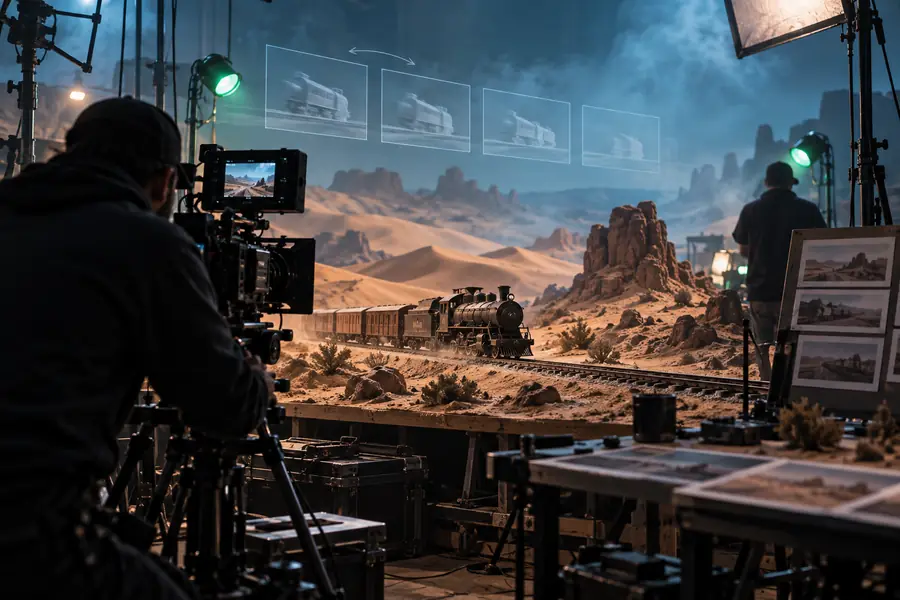 Scene brief
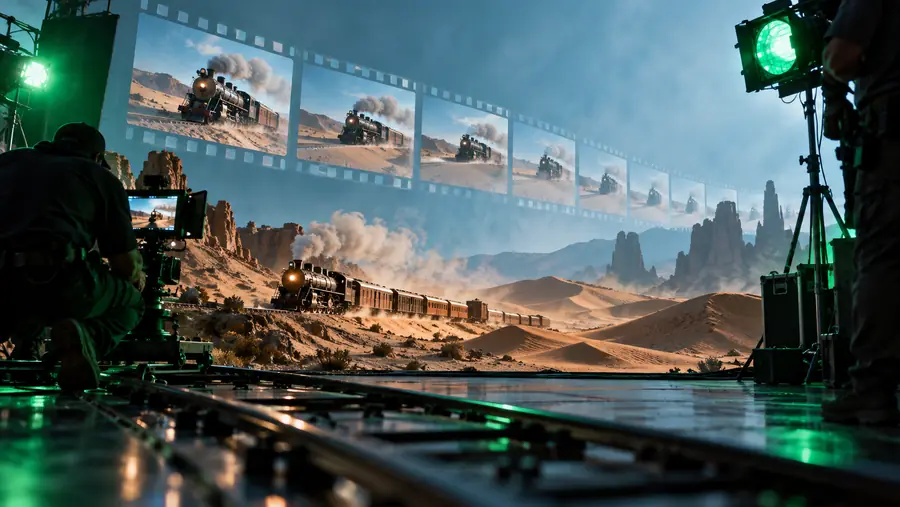 Video draft
Honest constraints
Prompt-based video is useful for exploration, but it does not remove the need for creative judgment, checking, and post-production.
Characters, props, lighting, or locations may change when a sequence becomes more complex or extends across multiple shots.
Workaround
Break the idea into shorter shots and repeat the defining visual details in each prompt.
Signs, interface labels, captions, and small typography may not render precisely enough for a final deliverable.
Workaround
Add important text during editing instead of depending on the generated frame.
A prompt can suggest movement, but detailed hand actions, object interactions, and tightly timed blocking may need correction.
Workaround
Use the output for concepting, then inspect motion frame by frame before publishing.
Generated footage may still need sound, pacing, color work, transitions, rights checks, and a final export pass.
Workaround
Treat generation as the visual foundation inside a broader post-production workflow.
Workflow comparison
The two approaches solve different parts of the job. Generation accelerates visual exploration, while manual editing offers more direct control over every production detail.
Starting point
Prompt-led draft
Written scene direction
Manual-first edit
Existing footage, images, or a blank timeline
Best use
Prompt-led draft
Exploring concepts and alternate visual directions
Manual-first edit
Shaping known material into a controlled sequence
Iteration style
Prompt-led draft
Revise the brief and regenerate a variation
Manual-first edit
Adjust clips, keyframes, effects, and timing directly
Continuity control
Prompt-led draft
Requires checking between generated shots
Manual-first edit
More explicit control when source assets are consistent
Text and graphics
Prompt-led draft
Usually better added after generation
Manual-first edit
Can be positioned and edited directly in the timeline
Production role
Prompt-led draft
Fast visual ideation and rough motion studies
Manual-first edit
Finishing, precision editing, and final assembly
Start creating
Write the moment you want to see, include the details that matter most, and use the first result as a concrete way to decide what should change. A focused prompt makes iteration easier than trying to describe an entire film in one pass.
Generate a videoCommon questions
It can turn written visual direction into a video draft for concept development, mood exploration, and early storyboarding. The result is best treated as material to review and refine rather than an automatically finished production.
Describe the subject, action, setting, camera movement, lighting, visual style, and pacing when those details matter. A concise prompt with clear priorities is usually easier to revise than a long list of unrelated instructions.
Not completely. Generation can provide scenes or motion studies, while editing is still useful for continuity, timing, sound, captions, transitions, color, and final delivery.
Change one or two variables at a time so you can see what affected the output. Clarify the subject and action first, then refine framing, movement, atmosphere, and any details that drift between attempts.