Evolink

Creative workflows

Explore evolink ai with a focused first run

Use evolink ai to explore a creative idea, then judge the result against a clear brief. This guide starts with one image task, shows where other workflows fit, and explains what a first result cannot prove.

prerequisites

Bring a specific subject, an intended format, and one criterion for success. A narrow brief makes an Evolink result easier to assess than an open-ended request.

Choose a starting point

Pick the output that answers your immediate question. Each path calls for a different kind of review.

Product designer

Describe a product on a neutral background, including its material, angle, and lighting. Keep the first Evolink prompt short enough to revise.

Review whether the silhouette and visible details match the brief before considering the image for a presentation.

evolink ai review
Video creator

Write a single scene with a subject, camera movement, and intended mood rather than a sequence of unrelated shots.

Check continuity and whether the motion communicates the concept, not just whether individual frames look appealing.

ai video generator

Developer

Start with a small, reproducible input before translating a manual experiment into code.

Record the prompt and output so a later integration can be evaluated against the same task.

evolink examples github

one full run-through

This example uses a product image because the brief and the visible result are straightforward to compare.

  1. 1

    Write a testable brief

    Ask for a ceramic desk lamp on a pale background, viewed from the front, with a matte finish and soft side lighting. Note that the lamp shape matters more than decorative details.

  2. 2

    Make the first attempt

    Submit the brief through the creative interface. Keep a copy of the original wording; changing several requirements at once makes it hard to tell which revision helped.

  3. 3

    Inspect and revise

    Compare the visible lamp, viewpoint, finish, and lighting with the brief. If the shape is wrong, revise that instruction first. Treat the output as a draft until its important details hold up.

options table

The best starting point depends on what you need to inspect. This table compares two ways to explore a visual concept with Evolink, not guaranteed features or output specifications.

Still-image task
Video task

Best for

Still-image task

Composition, objects, and surface details

Video task

Movement, pacing, and scene continuity

First brief

Still-image task

Subject, viewpoint, setting, and lighting

Video task

Subject, action, camera movement, and mood

Main review

Still-image task

Check the visible details against the prompt

Video task

Check both individual frames and the transition between them

Easy to miss

Still-image task

Small text and inconsistent object details

Video task

Unwanted motion or changing details

Useful revision

Still-image task

Clarify one visual requirement

Video task

Simplify the action or camera instruction

Good first test

Still-image task

One object in a simple setting

Video task

One subject performing one clear action

From workspace to example

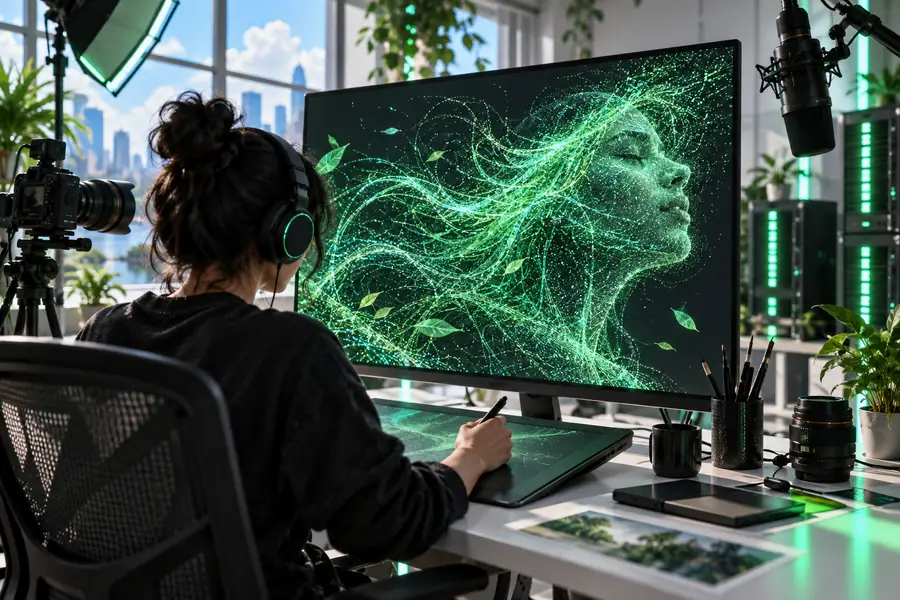
Illustration of an image-generation workspace Workspace illustration
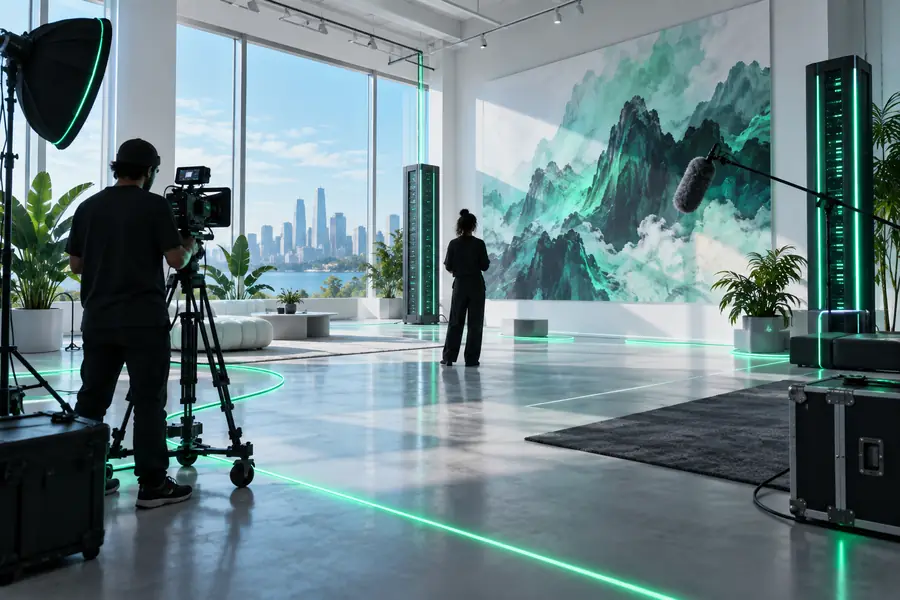
Example generated product image Example output
These are illustrative views of a workspace and an example image, not a documented before-and-after result from the lamp brief above. Judge your own result against the prompt you actually submitted.

what fails

A convincing preview is not the same as a verified asset. Plan for checks outside the creative workflow.

Unverified details

Evolink output should not be treated as evidence that a depicted product, label, or claim is accurate. Plausible-looking details may still be wrong.

Workaround

Compare important details with approved source material and correct them before publication.

Crowded instructions

A prompt that asks for several subjects, camera changes, and styles gives you too many possible reasons for a mismatch.

Workaround

Test one scene and one priority at a time, then add constraints only when the core result works.

Undocumented availability

This page cannot establish which models, formats, limits, or controls are available in a particular session. An example image does not prove a feature is currently offered.

Workaround

Check the options shown in the tool before planning work around a specific capability.

Try a focused prompt

Start with something you can evaluate

Give Evolink one subject and a few concrete constraints. Keep the original brief, inspect the result, and make one deliberate change if it misses your goal.

Try a prompt
  • Begin with one clear output
  • Check important details yourself
  • Revise one requirement at a time

its own FAQ

It is useful for exploring a creative brief and deciding which direction deserves more work. Start with an output you can assess clearly, such as a single product image or one short scene. Review the result rather than assuming it satisfies every instruction.

Name the subject, setting, and two or three details that matter most. For an image, a viewpoint and lighting direction make the result easier to judge. Save the wording so later changes can be compared with the first attempt.

Check it first, especially if accuracy, readable text, or consistent product details matter. A visually persuasive result can still depart from the brief. Verify claims and rights requirements separately before using an asset publicly.

Start with an image when your question is about composition or appearance. Choose video when movement or timing is essential to the idea. In either case, a simple first brief makes failures easier to diagnose.

Explore models
Explore models